
Download boards, sections and profiles
Download a complete board as a ZIP. Sections become folders, and numbered file names keep every reference easy to find.
Save full boards as organized ZIP folders or print-ready PDF moodboards. Built for interior designers, stylists, wedding planners & creative teams.
First 20 pins per download free. No credit card.
Full-board exports need a desktop browser.
Paste a single Pinterest pin link and download the image, GIF or video right here in your browser. No extension needed.
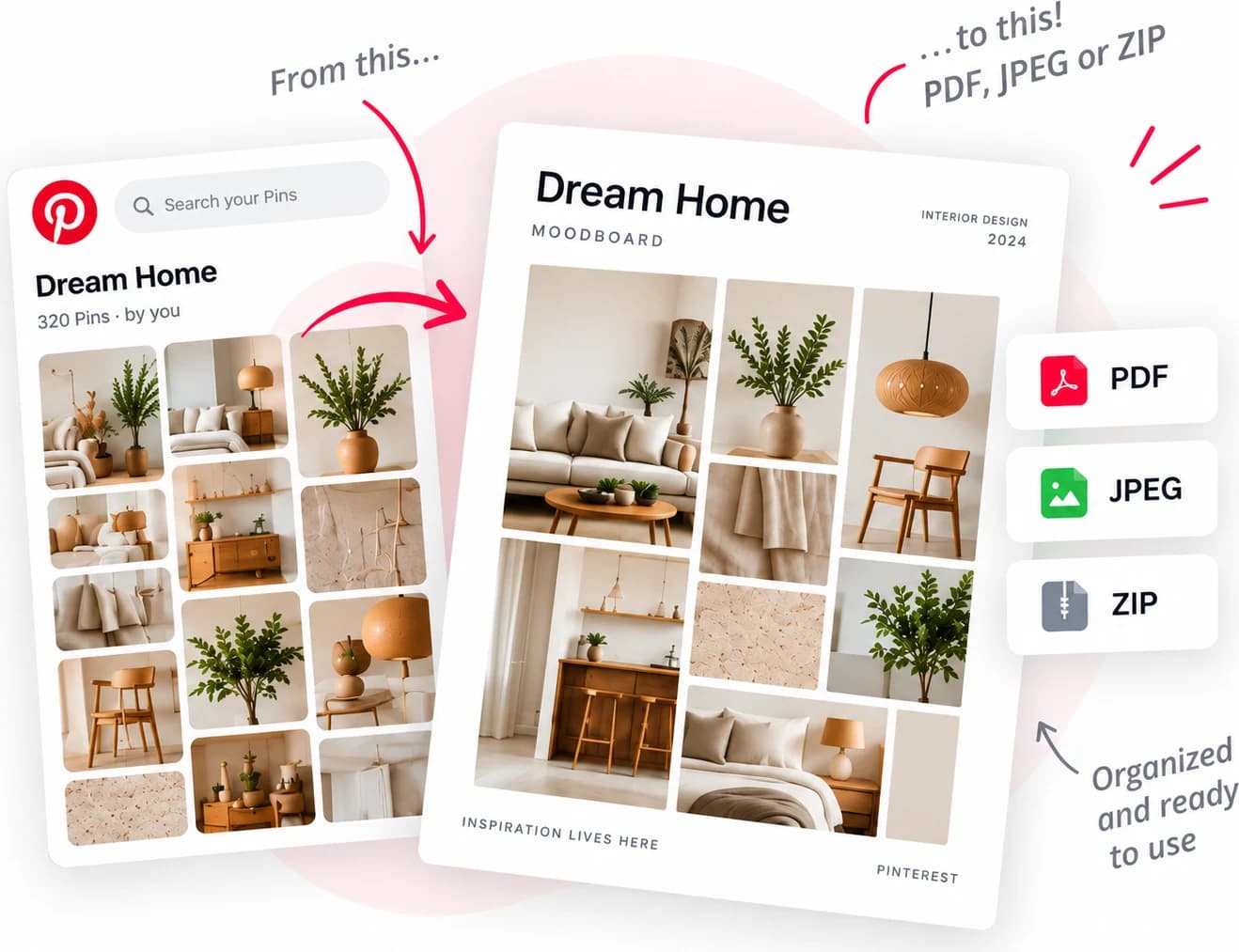
Pinterest board → PinBoardSaver → organized ZIP.
Yours or someone else’s.
All pins, whole sections, or a hand-picked selection.
Folders match the board. Images, GIFs and videos keep original quality.
One click takes everything the board holds, not just the first screen of it. The same run reaches a single section, a whole profile, or only the pins you tick by hand. It is a Pinterest downloader for boards, profiles and sections, and it runs in your browser through the extension.
Download the complete board — not just individual images.
Save the files, make a PDF, or turn your whole board into one image.
Download a complete board as a ZIP. Sections become folders, and numbered file names keep every reference easy to find.
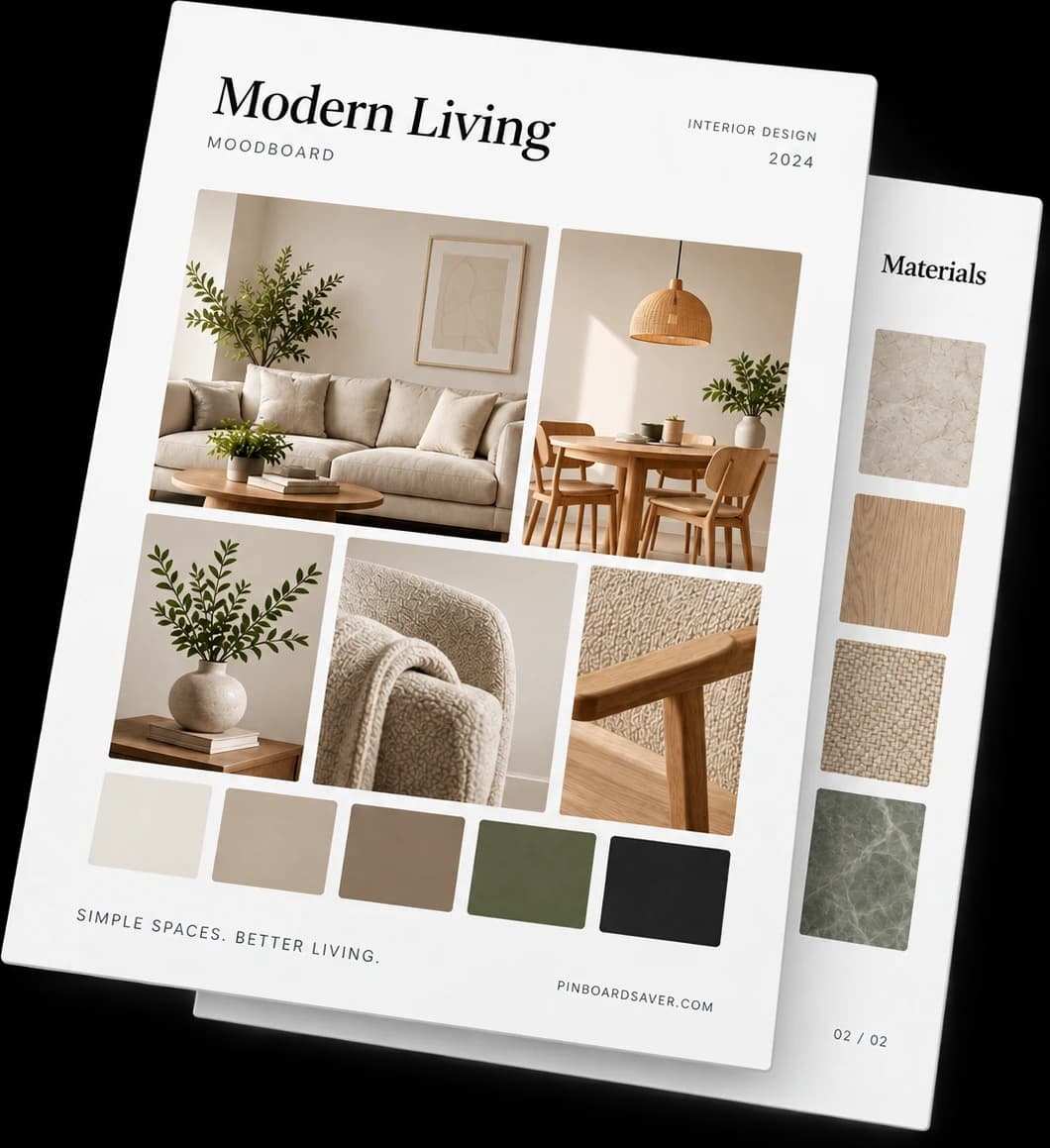
Turn an entire board into a polished moodboard for client meetings, briefs and presentations. Choose one pin per page or a masonry grid, then set the columns and page orientation.
Create a clean, shareable collage in seconds. Choose the layout, format and size. Export your board as PNG, JPG or WebP.
Choose “Copy for Figma” after a download. Paste your board through our Figma plugin, then keep working with the individual images.

ZIP export · Keep your board’s sections as folders.
Turn inspiration into something you can actually use.
Turn a board into a polished PDF for presentations and meetings.
Files are auto-named and numbered — ready for Photoshop, InDesign or any creative workflow.
Copy your board directly into Figma and start working on your design.
Send the whole board straight to Figma — the same images, ready to arrange.
Get the Figma plugin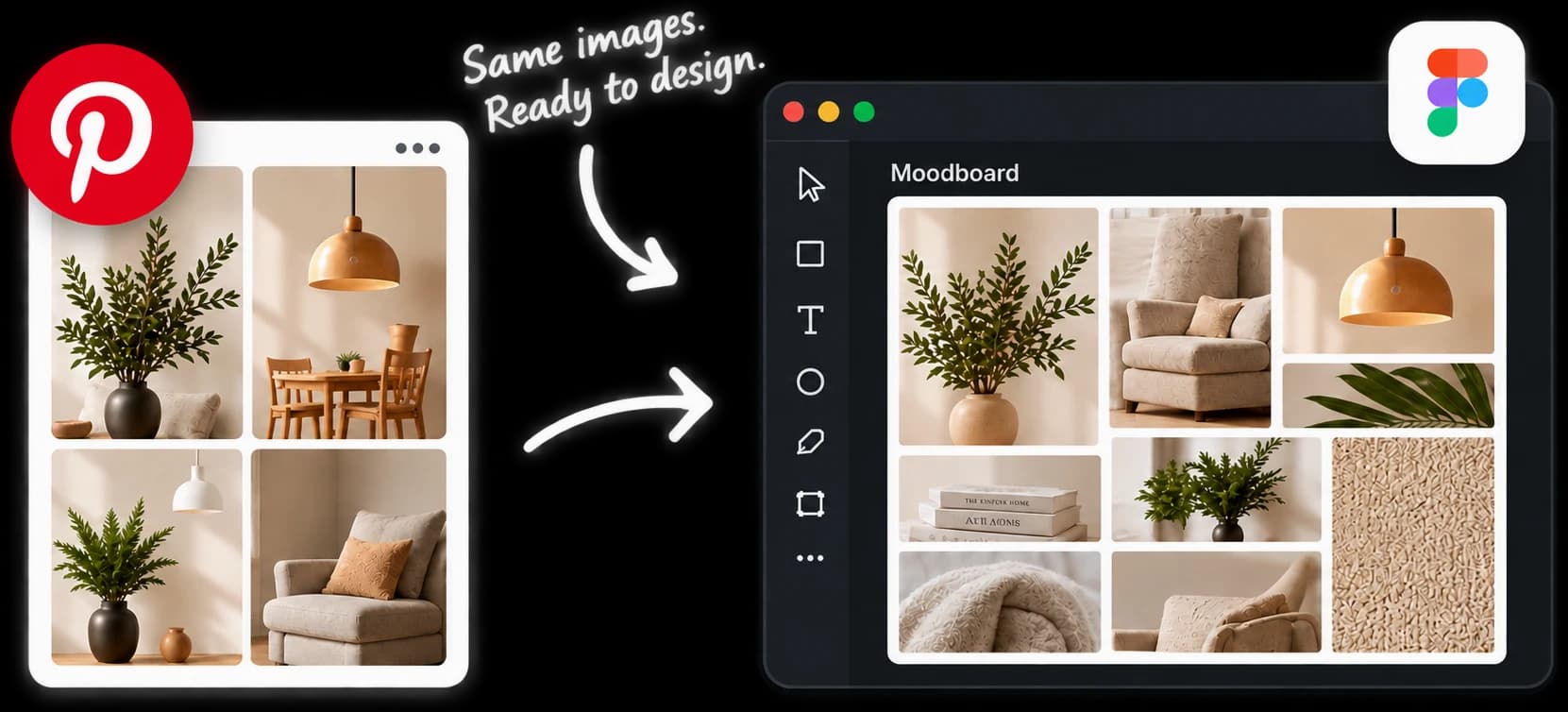
After a download, hit “Copy for Figma”.
In Figma, paste your board.
Your pins appear on the canvas, already laid out and named.
Get full access for a week — or keep PinBoardSaver for life.
Full access for your next project.
Renews weekly until canceled.
For all the projects after this one.
No subscription. No recurring charges.
The first 20 pins of every download are free. Premium lifts the limit and adds whole-profile downloads. When you pick pins by hand, the free plan saves medium-size copies. Numbered, descriptive file names on every plan.
| Feature | Free | Premium |
|---|---|---|
| Pins per download | First 20 | ✓ Unlimited — 1,000+ boards tested |
| Whole sections at once | Within the first 20 pins | ✓ Every section, kept as folders |
| PDF export | First 20 pins | ✓ One per page or masonry grid |
| Save board as image | First 20 pins | ✓ Up to 4000px, PNG · JPG · WebP |
| Video pins and GIFs | First 20 pins | ✓ MP4 and GIF, original |
| Support | ✓ Priority, same day |
Step-by-step walkthroughs for every way to save a board: all pins in bulk, single images, videos, GIFs and PDF moodboards.
Install the PinBoardSaver extension, open the Pinterest board you want and click “Start Download”. The whole board is fetched and saved as a ZIP with folders matching the board’s sections — no copying pins one by one.
Yes. You can download all pins at once, restrict the download to particular sections, or tick individual pins by hand. The first 20 pins of every download are free. Premium removes the limit.
Yes. Alongside images, PinBoardSaver saves video pins as MP4 and keeps GIFs animated, all at the highest resolution Pinterest serves.
Both. A board downloads as an organized ZIP by default, and the same board can be exported as a print-ready PDF moodboard — one pin per page or a masonry grid.
Yes. Pins download in parallel and the ZIP is assembled in your browser, so a big board is a matter of minutes rather than a queue. Very large boards can be split by section.
Images (JPG, PNG, WebP), GIFs and video pins in MP4, plus PDF moodboards and a whole board as one image. The first 20 pins of every download are free. Premium removes the limit.
No. The extension reads the board you already have open. Nothing is uploaded to us and we do not store your Pinterest data.
Any time, from the Stripe billing portal. Access stays active until the end of the period you already paid for.
A link is the obvious move and the one that goes wrong. A public board does open for someone without an account, but Pinterest keeps…
Read the guide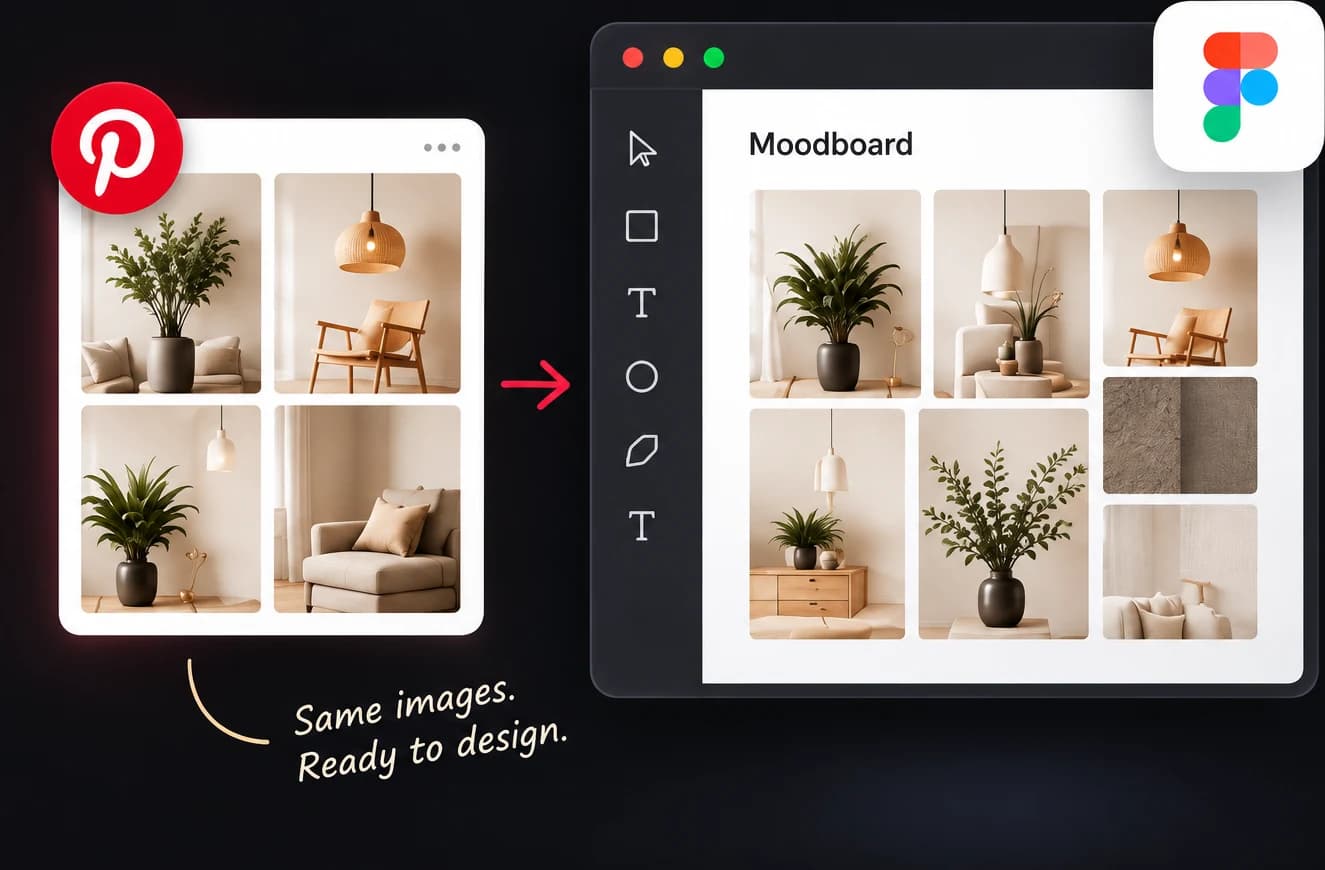
Canva has no Pinterest import, and PinBoardSaver has no Canva app: the plugin we make is for Figma. What works is plainer than either.…
Read the guide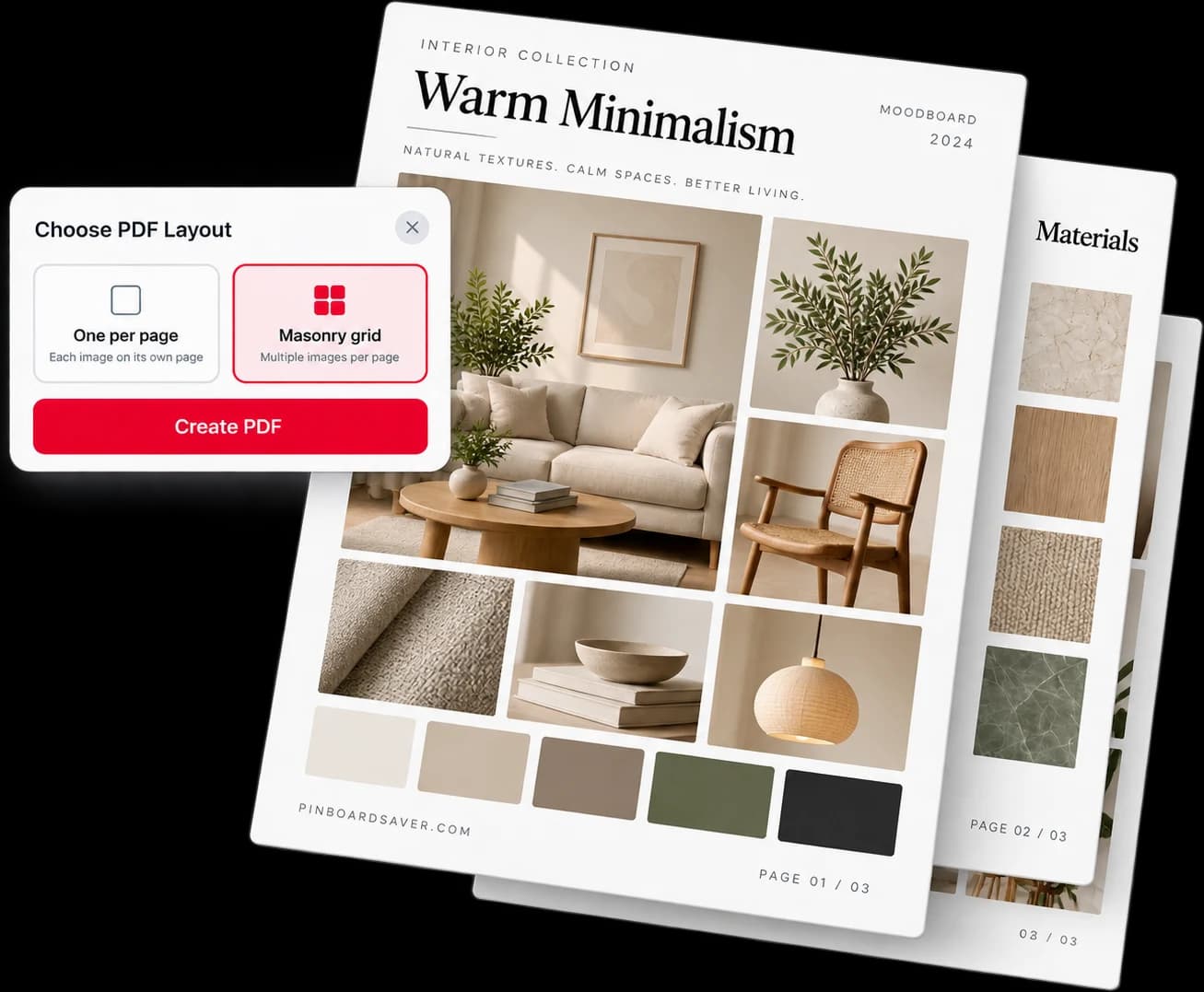
Can you print a Pinterest board? Yes, but not from Pinterest itself. A board has no Print or Export button, and the only download option…
Read the guideYour next project starts with the board you already have.
Get PinBoardSaver — freeTry your first 20 pins. Decide after.