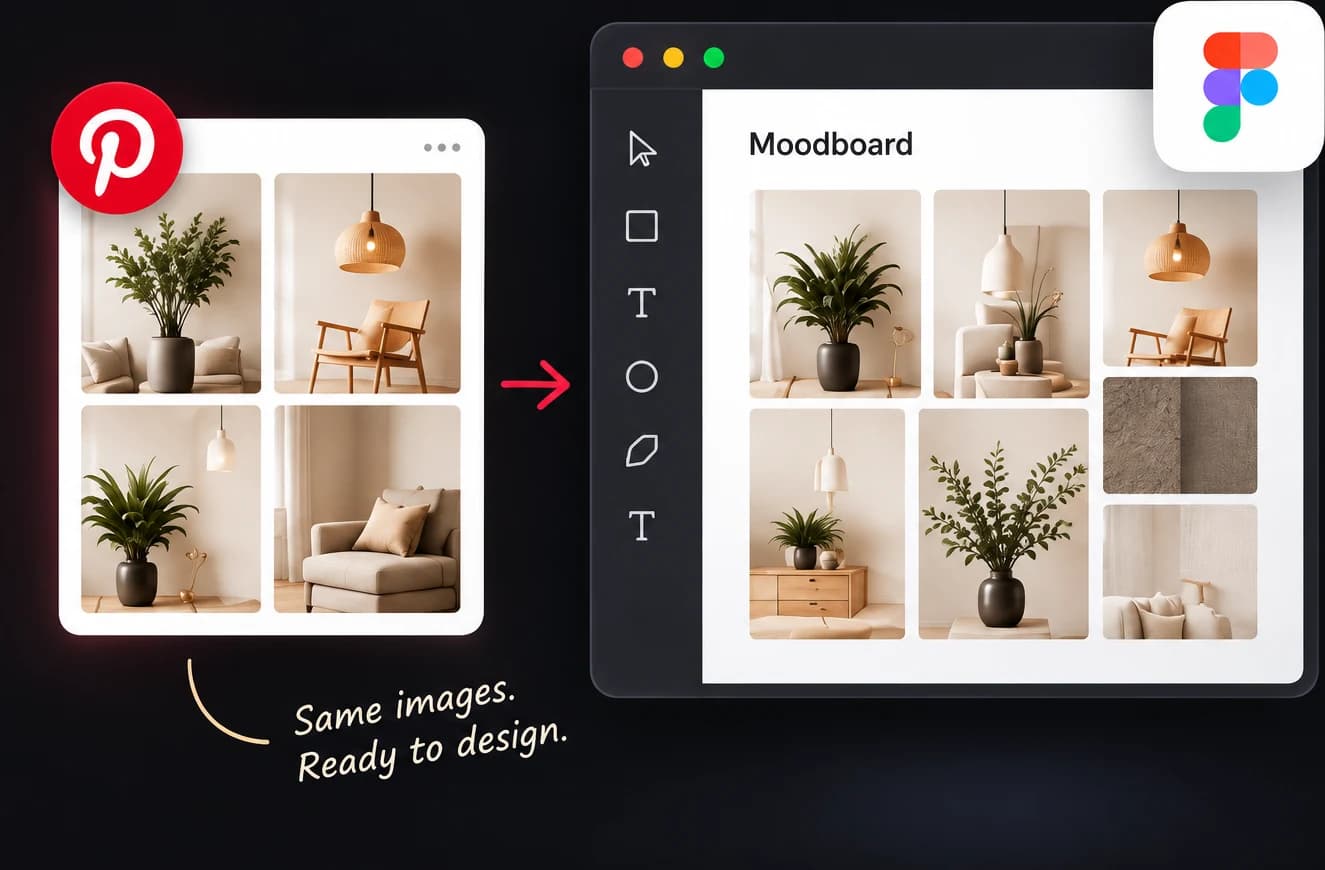
Moving references from Pinterest into Figma usually means saving pins one by one, dragging files in and lining them up by hand. The PinBoardSaver plugin does that step for you: paste your pin data, pick a layout, and every image lands on the canvas sized, spaced and grouped.
Images are fetched at the original resolution Pinterest keeps, aspect ratios are read from each file rather than guessed, and each import sits in its own named frame so it stays easy to move or hide.

What you need
- For a whole board: the free PinBoardSaver Chrome extension, which reads the board and copies it in one click.
- For a few images: nothing. Right-click a pin, choose Copy image address, and paste the links one per line.
How to import a Pinterest board into Figma
- 1
Install the plugin
Open PinBoardSaver on Figma Community and click Open in Figma. It appears under Plugins in any file.
- 2
Copy the board in Chrome
Open the board on Pinterest, run the PinBoardSaver extension and click Copy for Figma. The pin data is now on your clipboard.
- 3
Paste into the plugin
In Figma, run PinBoardSaver and paste into the field. The plugin counts the pins it found.
- 4
Choose a layout
Pick grid, masonry, single row or single column, then set columns, image width and spacing.
- 5
Click Import
The images are placed inside one frame, centred in your viewport and ready to rearrange.
Layouts
- Grid: equal columns, tidy rows. Good for UI references and screenshots.
- Masonry: columns of mixed heights, like Pinterest itself. Best for moodboards.
- Single row: one horizontal strip for timelines and sequences.
- Single column: a vertical stack that reads top to bottom.
What the plugin does
- Full-resolution images. Links are upgraded to the original size where Pinterest has one.
- True aspect ratios, read from each image rather than guessed.
- Every import grouped in its own named frame.
- Images that fail to load are skipped, so one bad link does not stop the run.
- Nothing is sent anywhere except the image requests to Pinterest's own CDN. No account, no tracking.
Frequently asked questions
Does the plugin search Pinterest from inside Figma?
No. Pinterest does not allow that. The plugin imports pins you copied, either a whole board via the Chrome extension or individual image links.
Is the plugin free?
Yes. The Figma plugin is free with no limits. The Chrome extension has a free tier and a premium plan for unlimited boards.
Do I need the Chrome extension?
Only for whole boards. Pinterest loads boards through its own API, so reading all pins needs the extension running on the page. A handful of images can be pasted as links.
Will hundreds of full-size images slow my Figma file?
They can. Import the shortlist rather than the whole research archive, and keep raw downloads outside Figma.
Can I use Pinterest images in production designs?
Treat them as references unless the usage rights are clear. Keep the source URL with important images so attribution is possible later.